



Betnella Mobile Access
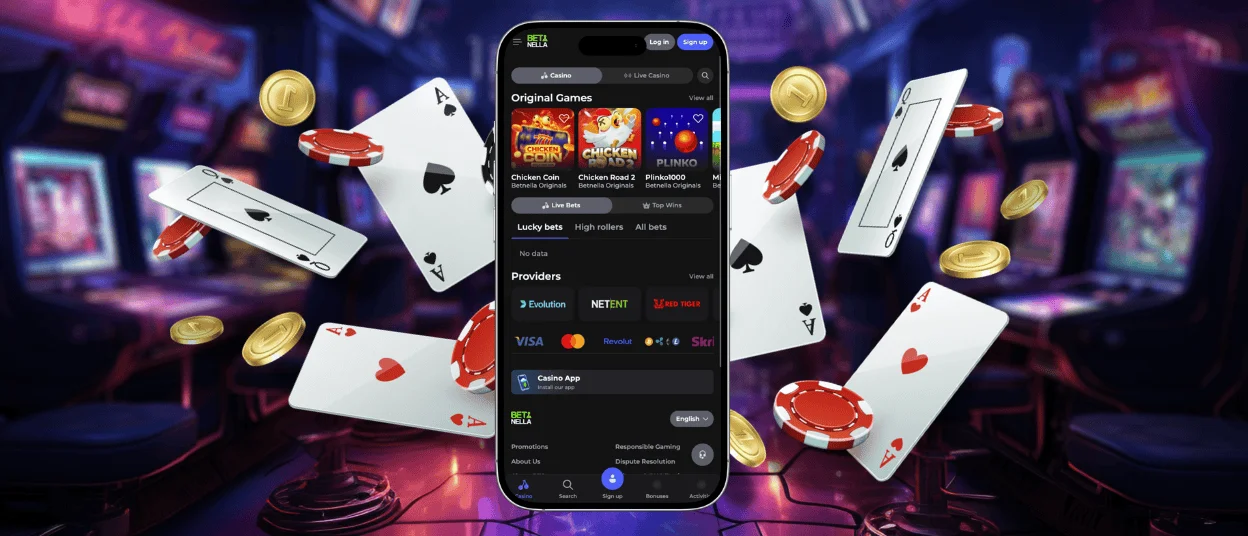
We understand that being tied to one device limits the possibilities and is plainly inconvenient, especially for players who are always on the move. The Betnella app gives you the flexibility to choose how you play without spoiling your gaming experience. Our users can install the application on iOS, Android or Windows, and always have our online casino in their pockets.



Using Bet Nella on Mobile
Our goal was to create an easy solution for players who prefer to use their phone for gaming. The Betnella app perfectly works on any device, so it doesn’t matter which operating system you use. That is possible because we decided to develop a progressive web application (PWA) instead of a native app for a single platform. Technically, Betnella PWA is a website that works like an application, so you don’t need to download any files to install it — just create a shortcut from your browser.
Here are some of the key features of the Bet Nella Casino application.
| Feature | Details |
| Compatibility | The Betnella app is compatible with Android, iOS, Windows and macOS. |
| Performance | A lightweight application that loads fast and runs without interruptions. |
| Adaptive design | The interface and all the games are optimized for touch controls and adjust to different screen sizes. |
| Push notifications | You can set up the Bet Nella Casino push notifications to appear on your phone’s lock and home screen. |
| Caching function | Our application caches the website layout and stores the data on your device. This information updates every time you open the mobile casino, so you can load the Betnella PWA and check your profile info and balance even with a bad internet connection. |
As the application is no different from the Bet Nella Casino web platform, you can freely play your favorite online slots and other titles from our collection, upload documents for the verification process, place bets and manage your profile. The information syncs between your devices when you log in to your account from the new one.
Bet Nella App for Android
Android players can install the Betnella Casino app right from our official website. You don’t need to download separate APK files for this, since the PWA doesn’t require them and is more convenient than a native app. We’ve compared the two so you can see their differences for yourself.
| Feature | APK | PWA |
| Devices | Only for Androids | Cross-platform |
| Installation | Manually download the file from the App Store or other sources | Through creating a shortcut from the official website |
| Size | Depending on the type of app but usually heavy and takes up a fair amount of space | A lightweight application you will barely notice in terms of storage space |
| Updates | You need to download updates | Automatic updates in the background every time you open the app |
Aside from this, our app uses the same security measures as our website, so all the information is heavily encrypted and protected from fraudsters.
To get our app on your smartphone, you need to open your mobile browser (Chrome, Opera, etc.) and visit the Betnella Casino website. There you will see three dots in the top right corner. Click on them to open a side menu and scroll down until you see “Add to home screen,” then tap it and agree to add the branded icon to your home screen.
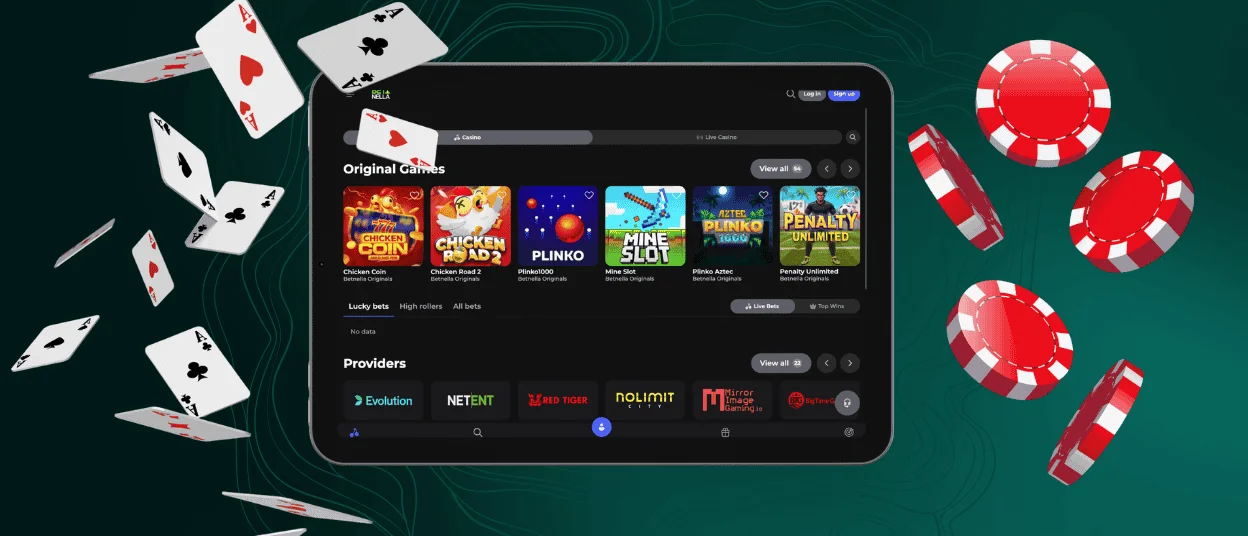
Betnella App for iOS
The app for iPhone users and its installation process are no different from Android.
- Open your Safari browser and go to the Bet Nella Casino website.
- Tap the “Share” button and select “Add to Home Screen.”
- Click “Add” and agree to install the Betnella branded icon on your home screen.
If something won’t work or you have any difficulties with our application, please contact our support team.
Desktop App for Windows and macOS
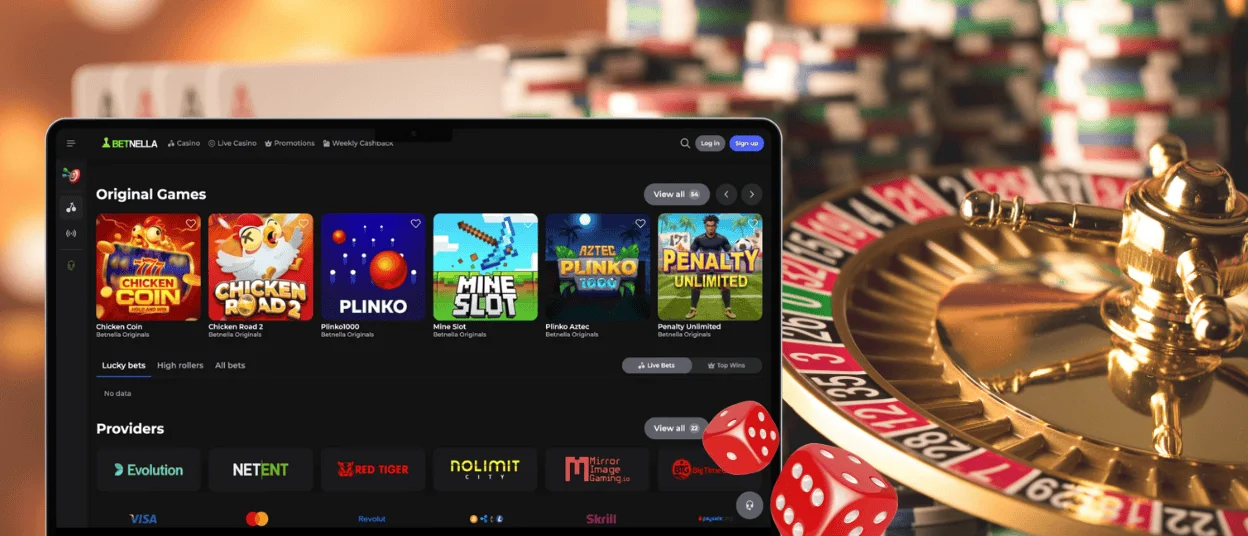
If you’re not a fan of playing on the phone and like to enjoy your games on a bigger screen, you can still play from a desktop or laptop. Here, users have two options: continue to open the web browser to find and load the Betnella Casino website, or download our PWA and create a shortcut. The second variant will surely save you some time and eliminate the need for the first one.
To install our app on your Windows or macOS, you need to follow three steps:
- Open any browser you use on your computer and find the Bet Nella website.
- Click the “Install” button, which looks like a screen with a downward-pointing arrow in the address bar.
- Agree to the app installation.
You can now access your Betnella account and game collection with a tap on the icon.
FAQ
Is creating an account required to use the Betnella app?
It’s not necessary, because users can explore our online casino without an account and try most of the games in demo mode. However, if you want to use the Betnella app to the fullest and be able to win real money, not virtual coins, registration is a must. An account allows you to activate bonus offers, manage your budget, place bets, participate in tournaments, and much more.
Does the Betnella Casino app offer customer support?
Our support team is available through the application via the built-in live chat. You can contact us daily at any time, so don’t wait till the next day or standard working hours to report the issue – do so right away.
How can I update the mobile version?
The app updates itself automatically in the background, so you don’t need to do anything with it. We also don’t have it in the application stores. The Betnella app is available for download only on our website.


